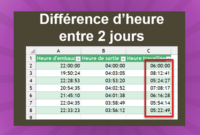
How to calculate time on 2 different days in Excel? Two techniques exist to solve the problem
In Excel, times correspond to the decimal value of a number. So 0,5 actually corresponds to 12H. This rule is fundamental to avoid making calculation errors in your dashboards
How to isolate employees who have worked more than the legal 8 hours and calculate overtime in this exercise.
Excel allows you to display the same date in all existing formats (like 01/01/2019, Jan 01, Tuesday Jan 1, etc.) just by modifying the date format
Need to do calculations with hours in Excel? Learn how to format your cells and avoid calculation errors.
Discover our training on formatting numbers in Excel: decimals, thousands, percentages, monetary, ...
Learn how to display negative times in Excel with simple and effective methods to bypass limitations.
Learn how to calculate the difference in hours on two different days in Excel with two simple and effective methods
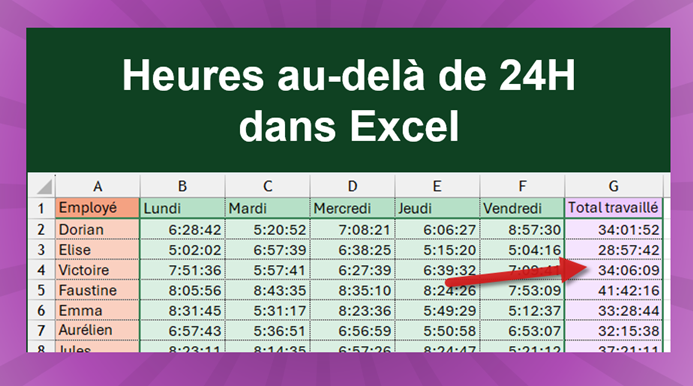
Excel does not display hours beyond 24 hours by default. But it's easy to work around the problem by customizing the number format
Paste Special is a very practical tool to copy only one element of a cell, such as formula, format, value, ...
How to calculate time differences in tenths, hundredths in Excel? An example with the results of the Sochi 2014 Olympic Games